
Works without internet
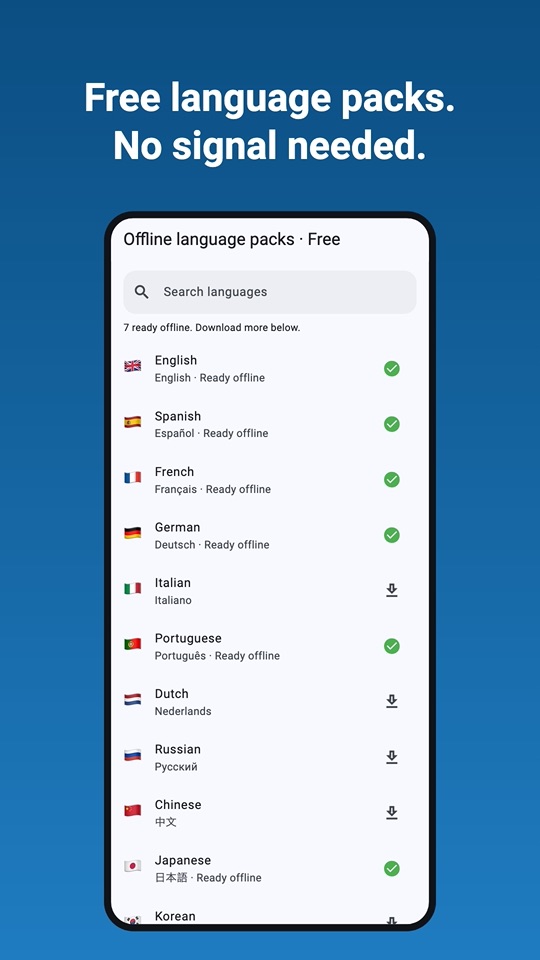
Download a language once (about 30 MB) and it's yours. Translate on a plane, underground or abroad without roaming. Remove packs anytime to free up space.
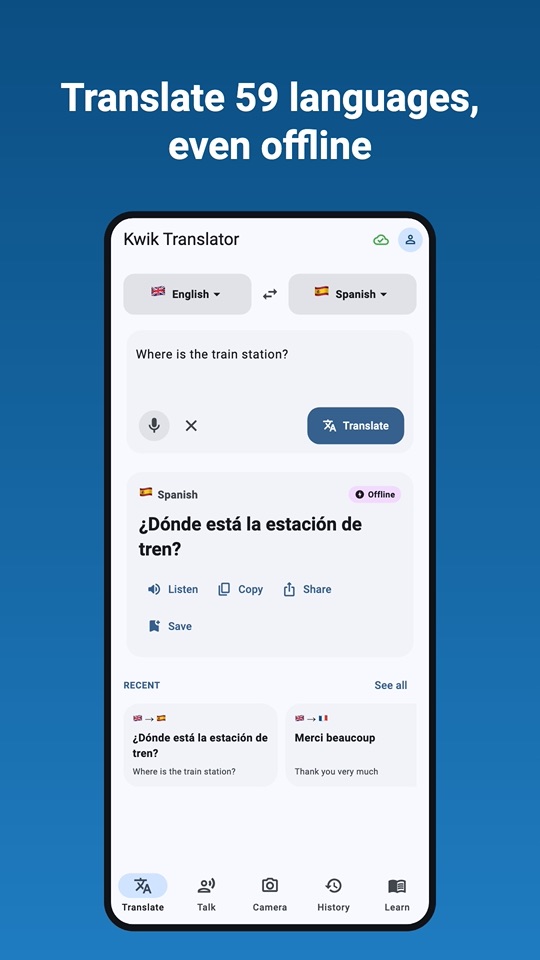
59 languages that live on your phone. Type, speak, snap a photo or talk face to face, on a plane, abroad without roaming or far from any signal.
Type it, say it, snap it or talk it through. Kwik Translator handles the conversation, with or without a signal.
Download a language once (about 30 MB) and it's yours. Translate on a plane, underground or abroad without roaming. Remove packs anytime to free up space.
Tap the mic instead of typing, then hear the translation read aloud to practice pronunciation or to play it for someone.
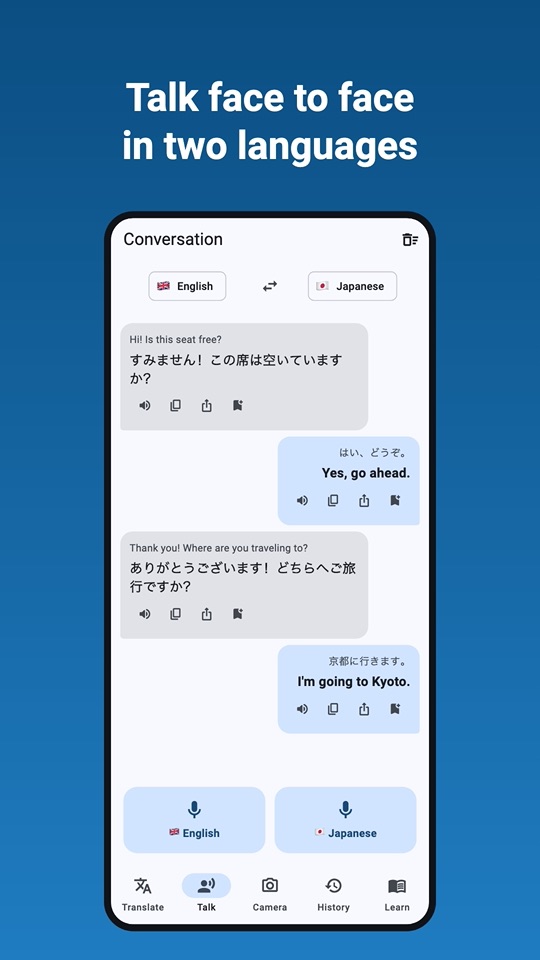
Conversation mode for two people and two languages. Each person taps their own mic, and the app translates and speaks for the other.
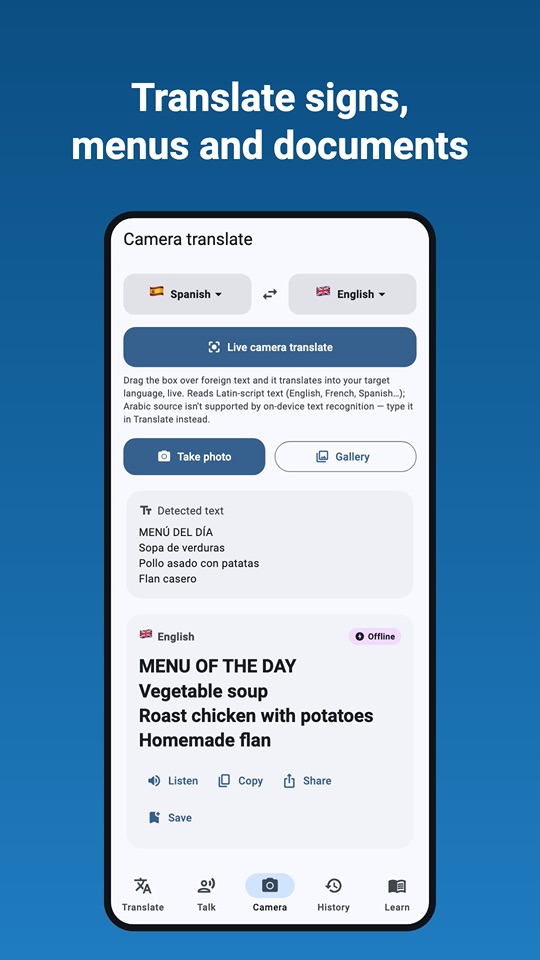
Translate signs, menus and documents from a photo, or use the live camera and watch the translation appear on screen. Reads Latin, Chinese, Japanese, Korean and Devanagari text.
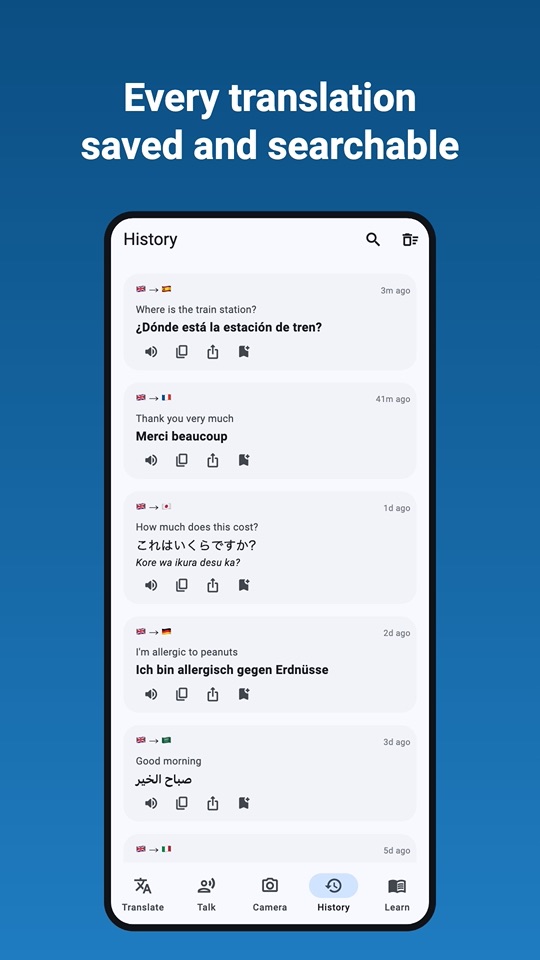
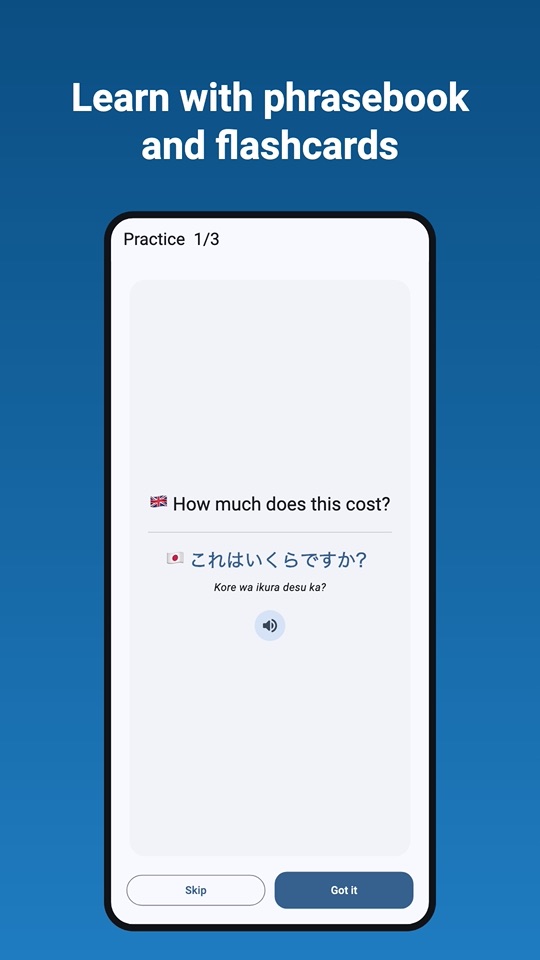
Every translation is saved in a searchable history (you can switch it off). Keep favourite phrases in your phrasebook and practice them with flashcards.
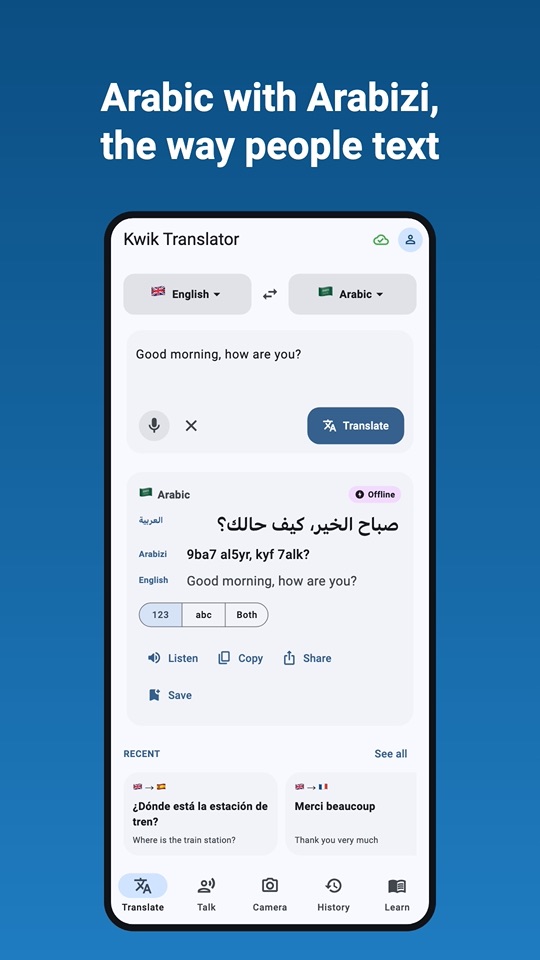
Arabic translations come with Arabizi romanization, with or without numbers, so you can read them even if you don't read Arabic script.
Translation runs on your device. The text, speech and photos you translate are never uploaded by the app.
Set it up once on Wi-Fi at home, then translate anywhere.
Choose the two languages you need from 59 offline languages.
Each language pack is about 30 MB and downloads in the background.
Type, speak, snap or talk, even in airplane mode with no signal at all.
Five tabs: Translate, Talk, Camera, History and Learn. Everything is one tap away.
Translate between any two of them, no connection needed once a language is downloaded.
That language isn't available offline yet.
The app itself speaks 46 languages. Voice input and read-aloud use your device's speech services, so availability depends on your device and language.
Yes. After you download a language once, typed, photo and live-camera translation run entirely on your device, even in airplane mode. Voice input and read-aloud use your device's own speech services, and on some devices or languages those may need a connection.
Yes. Kwik Translator is free and supported by ads. There's no subscription and no account to create.
No. Translation happens on your phone, and the app never uploads the text, speech or photos you translate. Ads and anonymous usage and crash statistics are provided by Google. Details are in our privacy policy.
About 30 MB per language. You can download only the ones you need and remove them anytime from the language packs screen.
Android phones and tablets running Android 7.0 or later, and iPhone and iPad running iOS 15.5 or later.
Latin (English, French, Spanish and more), Chinese, Japanese, Korean and Devanagari (Hindi, Marathi and more). For other scripts, such as Arabic, type the text in the Translate tab instead.
Free, private and ready before you board. Download Kwik Translator now.

Scan with your phone